

Find us in the App Store or Google Play
Make life even easier with the Sleepytroll app. Control your baby rocker remotely and discover helpful tips on getting the most out of your Sleepytroll. Extend rocking time up to three hours, choose from preset sleep programs, receive notifications, access expert tips, and more through the Sleepytroll app.


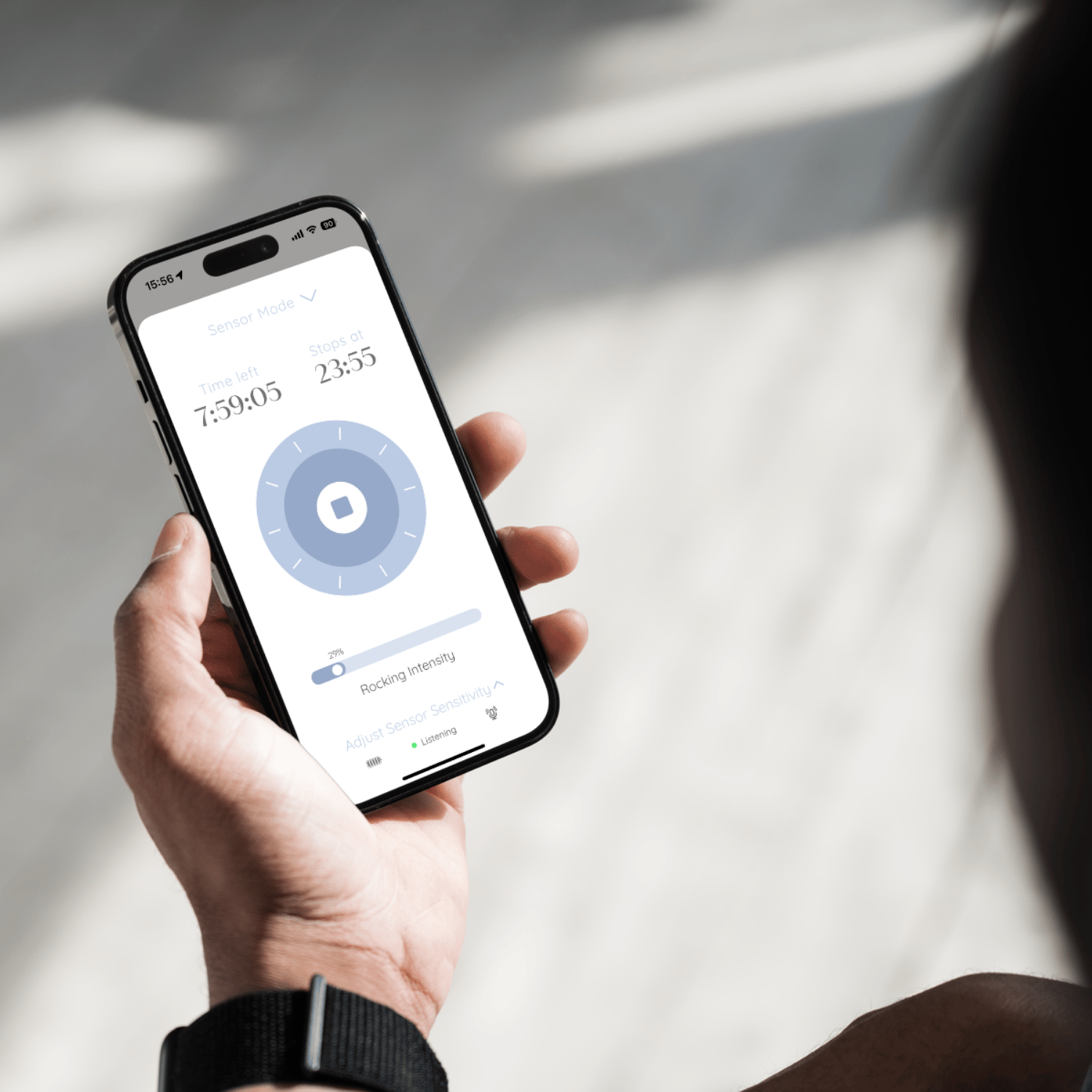
App tutorial
- Download the Sleepytroll Connect app from the App Store (iOS) or Google Play (Android).
- Open your phone settings and make sure that bluetooth and location services (GPS) are turned on.
- Open the app, go through the short introduction, tap “Connect to Sleepytroll”, and follow the steps in the app.
- Turn on your Sleepytroll Baby Rocker and keep it nearby.
User Manual
Click the buttons below to download the user manual for you.